

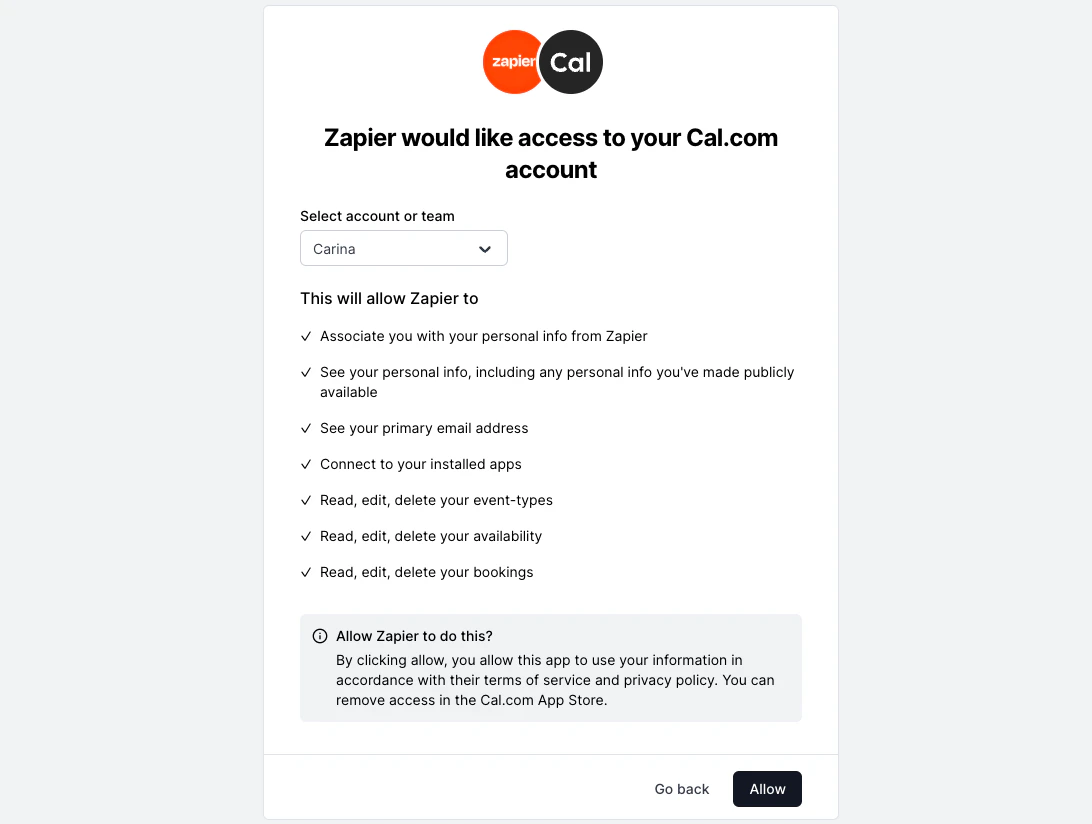
OAuth Client Credentials
Only the cal.com team can create new OAuth clients. Please fill out this form and book us to get started. The Cal.com team will register the app and provide you with the Client ID and Client Secret. Keep these credentials confidential and secure.Rotating client secrets
You can rotate your OAuth client secret without downtime. Cal.com supports up to two active secrets per client at the same time, so you can transition gracefully.Generate a new secret
In your Cal.com dashboard, go to your OAuth client settings and create a new secret. Both your old and new secrets are now valid.
Update your application
Replace the old
client_secret value in your application with the new one. Verify that token exchanges and refreshes work with the new secret.Authorization URL
To initiate the OAuth flow, direct users to the following authorization URL:https://app.cal.com/auth/oauth2/authorize- URL Parameters:
- client_id
- state: A securely generated random string to mitigate CSRF attacks
- redirect_uri: This is where users will be redirected after authorization
Access Token Request
Endpoint:POST https://app.cal.com/api/auth/oauth/token
Request Body:
- code: The authorization code received in the redirect URI
- client_id
- client_secret
- grant_type: “authorization_code”
- redirect_uri
Refresh Token Request
Endpoint:POST https://app.cal.com/api/auth/oauth/refreshToken
Headers:
- Authorization: Bearer exampleRefreshToken
- grant_type: “refresh_token”
- client_id
- client_secret
Testing OAuth Credentials
To verify the correct setup and functionality of OAuth credentials you can use the following endpoint:GET https://api.cal.com/v2/me
Headers:
- Authorization: Bearer exampleAccessToken